Loan overview
Lend creates a loan from an approved application. The loan record contains the agreement, repayment schedule, balance, payments, and later changes.
- For
- Loan-servicing and operational users reviewing an issued agreement.
- Requires
- Loan list and read access through a saved query, related view, or permitted direct record.
- Available when
- An application has been lent and the resulting loan is within the user's visible scope.
- Before you begin
- Confirm the loan number, borrower, product, current status, and calculation date relevant to the task.
- Expected result
- You can verify the agreement, current figures, schedule, payments, related actions, and history for the correct loan.
Find and read a loan
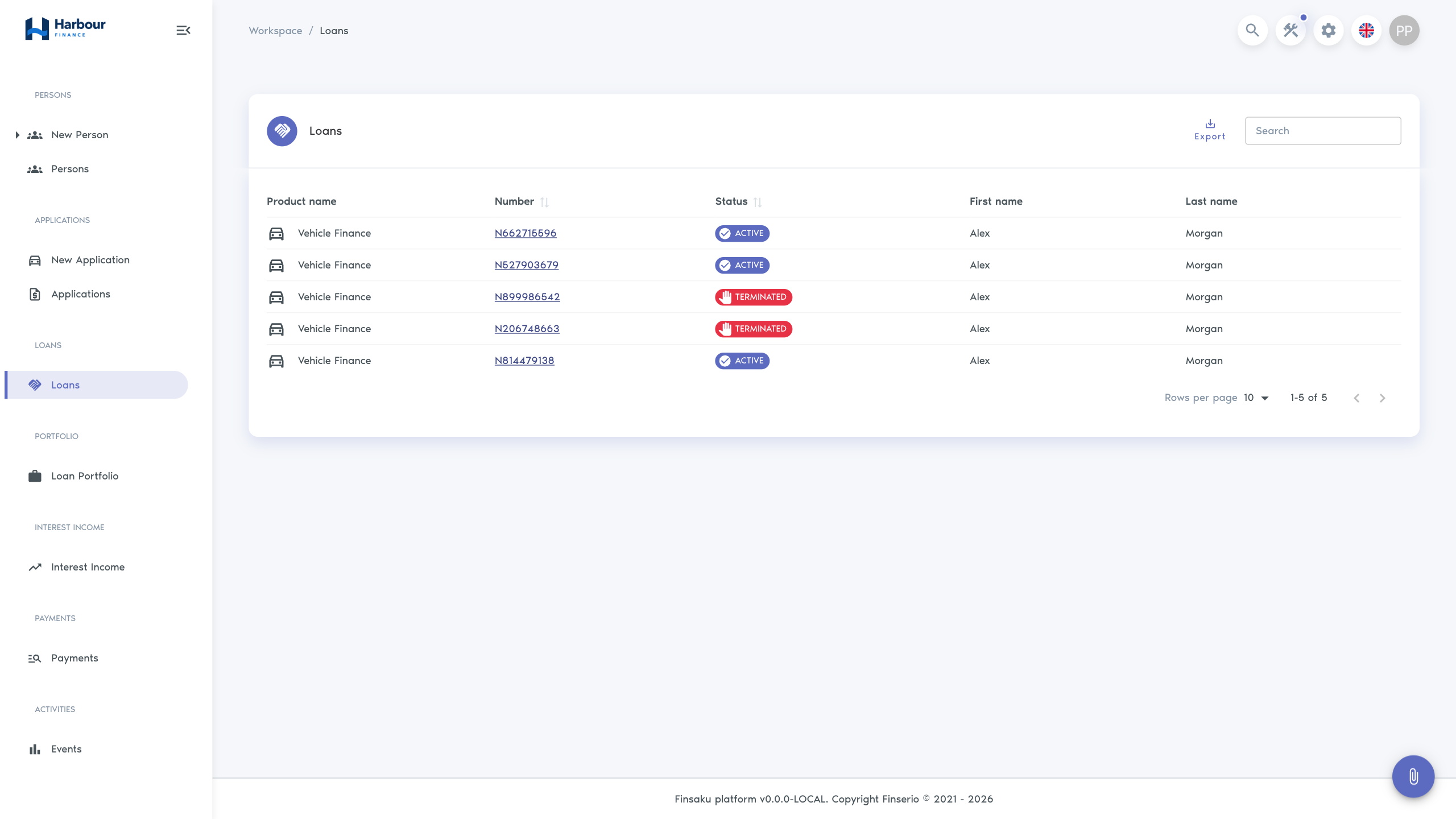
Open Workspace → Loans and use the configured search fields, commonly loan number, borrower, product, or status. Select a row to open the loan.
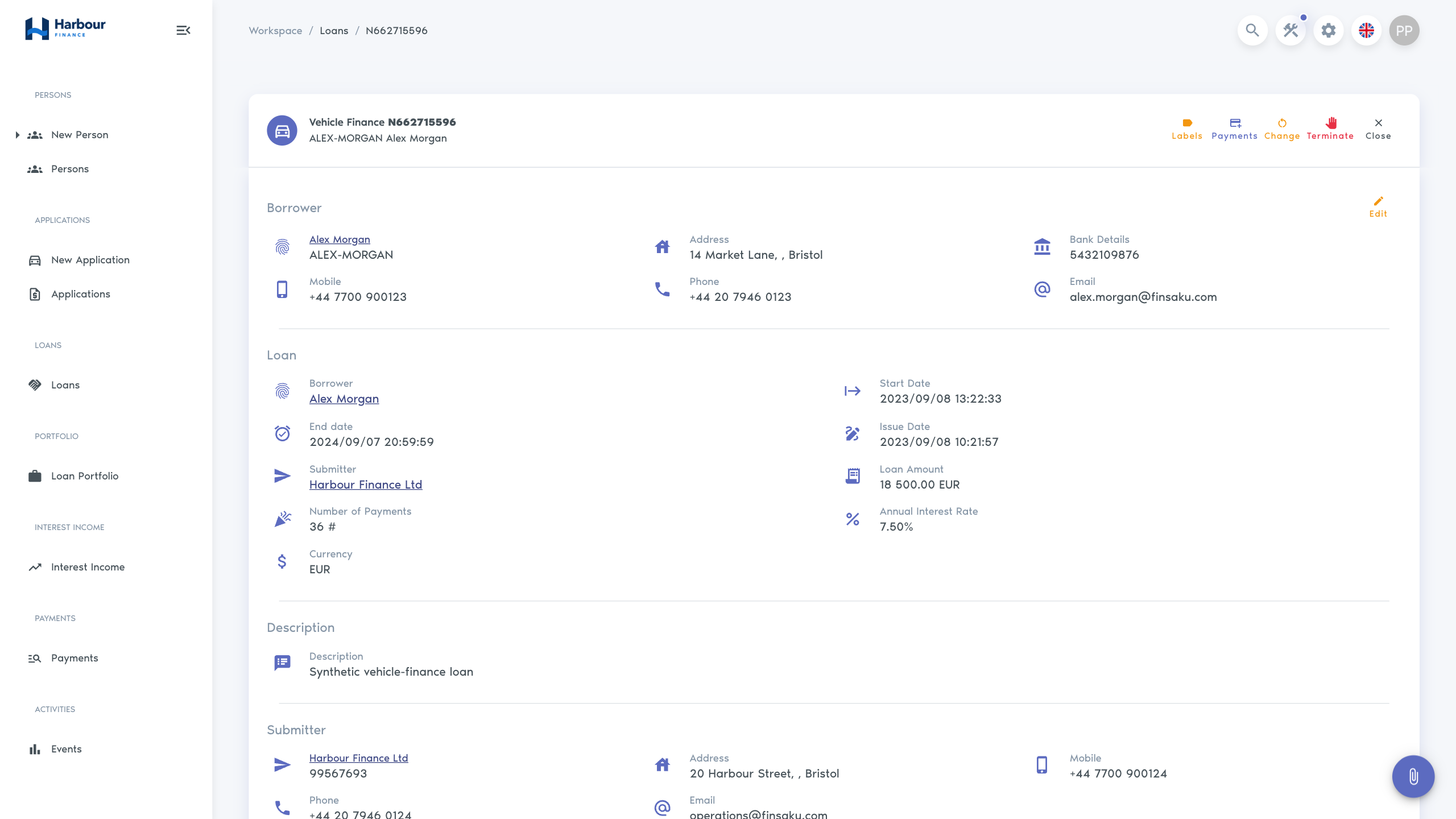
The record can contain:
| Area | What it tells you |
|---|---|
| Loan details | Product, borrower, number, status, amount, rate, term, currency, dates, and assignee. |
| Actual Information | Current principal and other balance measures as at the calculation date. |
| Payment schedule | Expected instalments, due dates, statuses, and allocation detail. |
| Payments | Received money, payer, action, allocation order, and distribution. |
| Additional invoice lines | Product-defined fees or costs that are due separately. |
| Loan information | Product-specific fields carried from the application or maintained on the loan. |
| Supporting record | Notes, labels, documents, messages, related lists, and history. |
Current figures
The Actual Information section can show remaining principal, accrued interest, unpaid commission, overdue payment, penalties, deposits, next payment date and amount, closing balance, and overpayment. Values depend on the product and selected calculation date.
Distinguish these figures:
- remaining principal is the principal not yet settled;
- overdue payment is the due amount not paid on time;
- deposit or penalty deposit is received money held for later allocation;
- overpayment is money beyond the amount Finsaku could allocate under the current calculation;
- closing balance is the amount required by the configured closing calculation, not necessarily only principal.
Related actions
Depending on status and permission, a user can add a payment, view or change the schedule, add an invoice line, generate or upload documents, send a message, or start a loan action. See Changes and closure before modifying an existing agreement.