Administration overview
Administration contains the products, data definitions, workflows, integrations, and access records used in Workspace. Administration permissions control which areas and actions a user can open.
Configuration areas
| Area | Controls |
|---|---|
| Product groups and products | Product hierarchy, lending identity, calculator, invoices, versions, collected data, templates, and product automation. |
| Objects and fields | System Objects, reusable Object Library definitions, nested objects, and product data fields. |
| Lookups | Controlled values used by configured fields. |
| Queries | Workspace lists, search, filters, exports, and embedded related views. |
| Decisions | Conditional application operations and field changes. |
| Event Actions | Webhooks, generated documents, email, and SMS triggered by platform events. |
| General ledger | Base currency, chart of accounts, and exchange rates used for ledger posting. |
| Automatic booking | Read-only review of the account mappings used for automatic loan postings. |
| Integrations | Connections and credentials for external providers. |
| MCP access for AI agents | OAuth access from an authorised MCP client to a defined set of Finsaku status and configuration tools. |
| Audit trail | Recorded actors, events, times, affected records, and stored value changes for supported operations. |
| Trust and compliance | Service assurance and shared-responsibility guidance for GDPR, DORA, security standards, AML/CFT, and lending rules. |
| Integration data flows | Information sent to configured providers, returned results, and operational evidence. |
| Supported integration interfaces | Boundaries for MCP, outbound webhooks, provider callbacks, and separately contracted APIs. |
| Labels | Reusable classifications for people, applications, and loans. |
| Intermediary distribution | Partner portal roles, application scope, submission, status visibility, and optional external-system adapters. |
| Users, groups, and intermediaries | Sign-in, affiliation, membership, permissions, activation, and partner visibility. |
| General Settings | Company identity, currencies, time zone, languages, product types, and appearance. |
Change configuration
- Identify which products, records, templates, queries, decisions, and integrations use the setting.
- Make the smallest required change in a non-production or controlled test context where available.
- Test both a successful case and a rejected, missing-data, or provider-failure case.
- Review what an ordinary user sees and can do with the affected permission group.
- Record the effective date and owner of the change.
- Enable production automation or integrations only after dependent configuration is ready.
Stable keys, codes, and record relationships matter. Renaming a displayed label is different from changing a key used by a query, document template, rule, or external system.
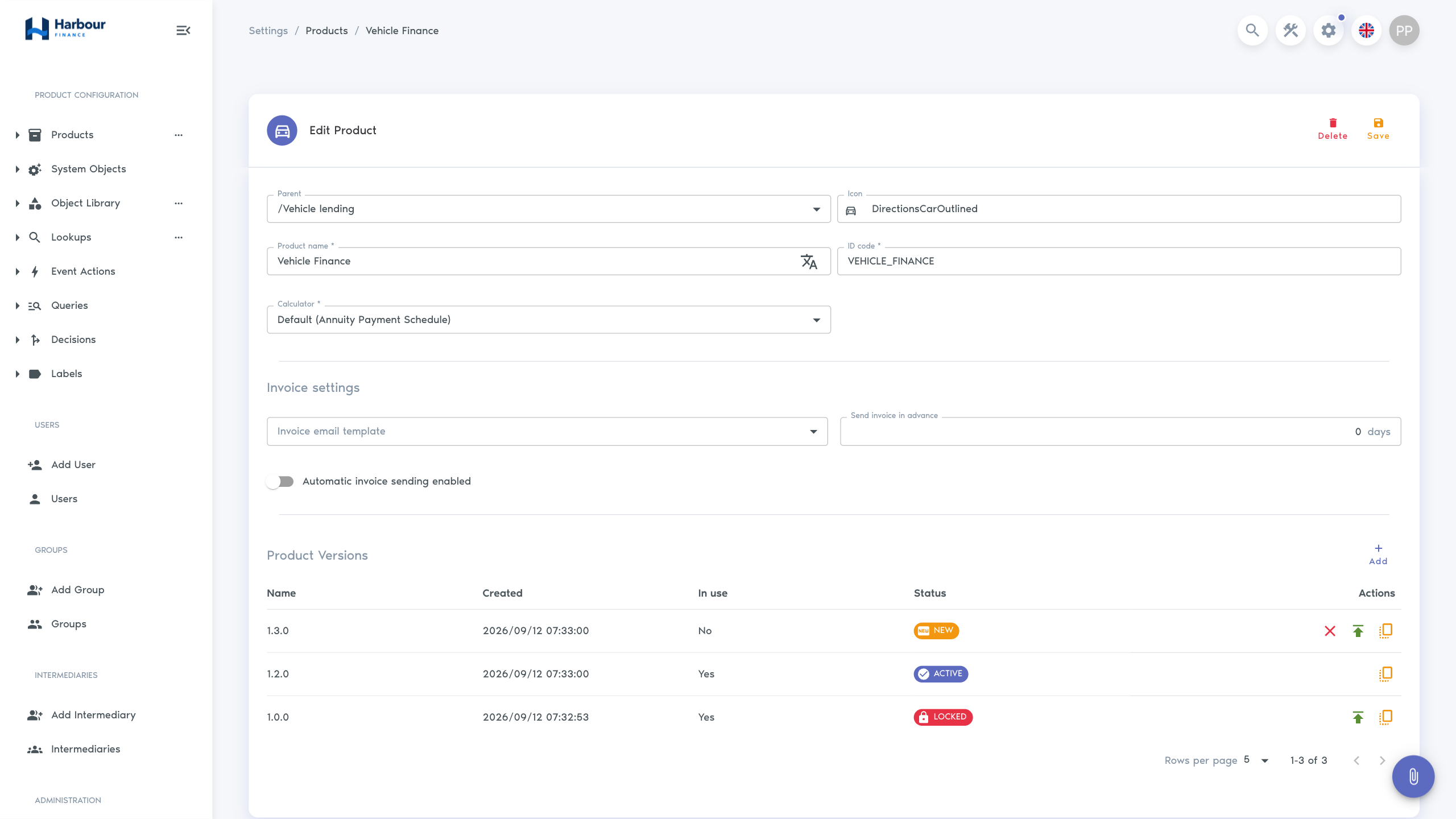
Use Product groups to organise the lending catalogue, Objects and fields to design collected data, Intermediary distribution to set up a partner channel, Access model and troubleshooting for users and roles, the audit trail when investigating a change, or Trust and compliance to map platform evidence to organisational and deployment controls.