Documents and messages
Applications and loans can keep files, generate documents, and send email or SMS messages. Available actions require the corresponding integration, template, and permission.
- For
- Users managing application or loan files and customer communications.
- Requires
- Record access, the relevant document or message permission, and any required template and enabled provider.
- Available when
- The record exposes the action and its Document Generation, Email, or SMS dependency is configured.
- Before you begin
- Confirm the record, current source data, recipient, template, output format, attachments, and approved communication purpose.
- Expected result
- The file is stored or generated on the correct record, or the message and its attachments appear in the relevant history.
Keep files on the right record
| Location | Suitable content |
|---|---|
| Person documents | Identity or general customer files reused across the relationship. |
| Application documents | Evidence, offers, and review material for one request. |
| Loan documents | Agreement and servicing material for the issued loan. |
Files can be uploaded, downloaded, and deleted when permitted. A borrower document and an application or loan document are separate collections even when shown on the same working page.
Generate a document
- Select Generate Document on the application or loan.
- Choose an available product template.
- Choose PDF or DOCX output.
- Choose whether to attach the result to the record when that option is shown.
- Generate the file and review the result before using it.
The document uses current record data and the configured template. If a value is missing or wrong, correct the source record and regenerate rather than editing the generated file as the only copy.
Send an email
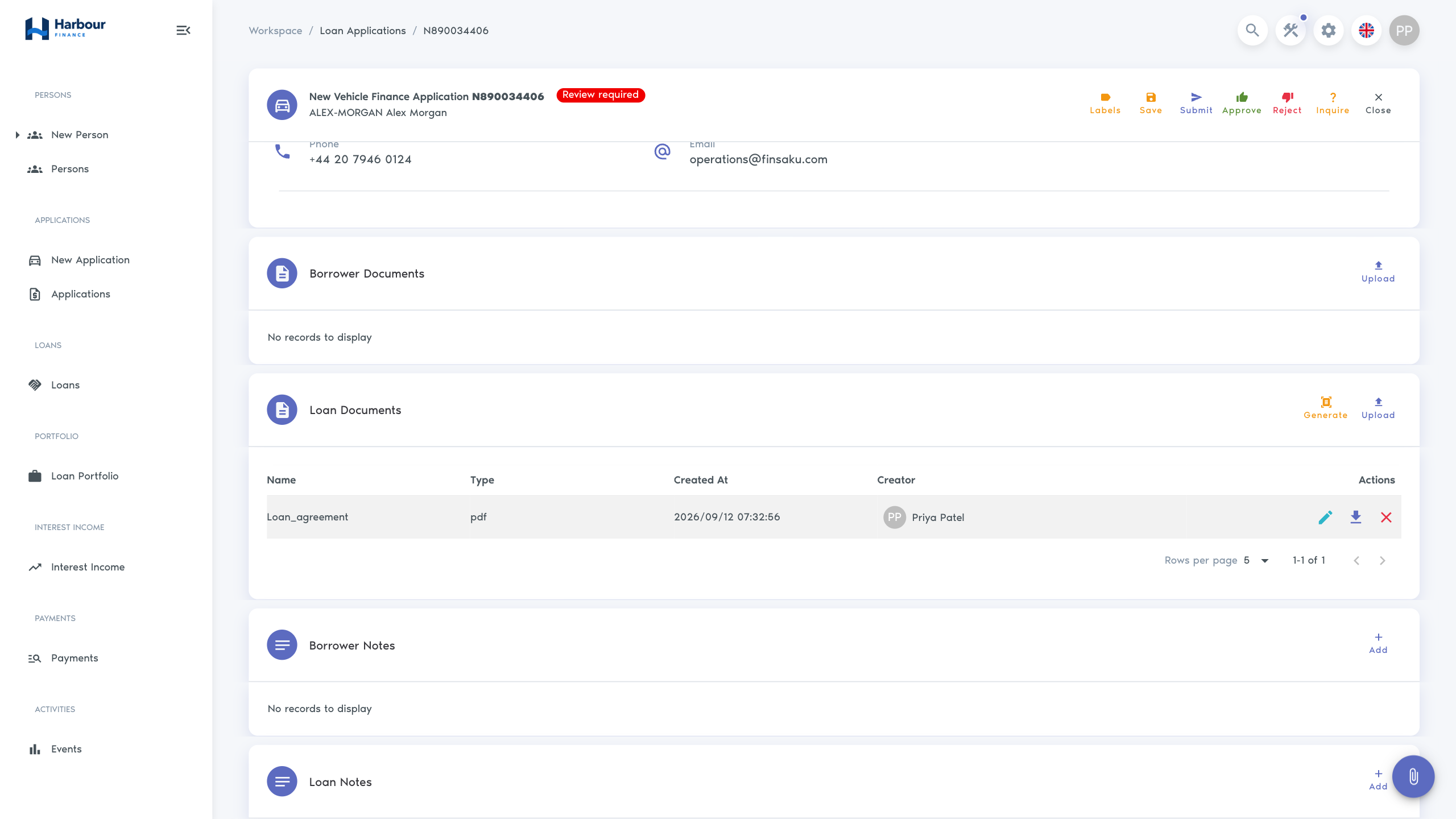
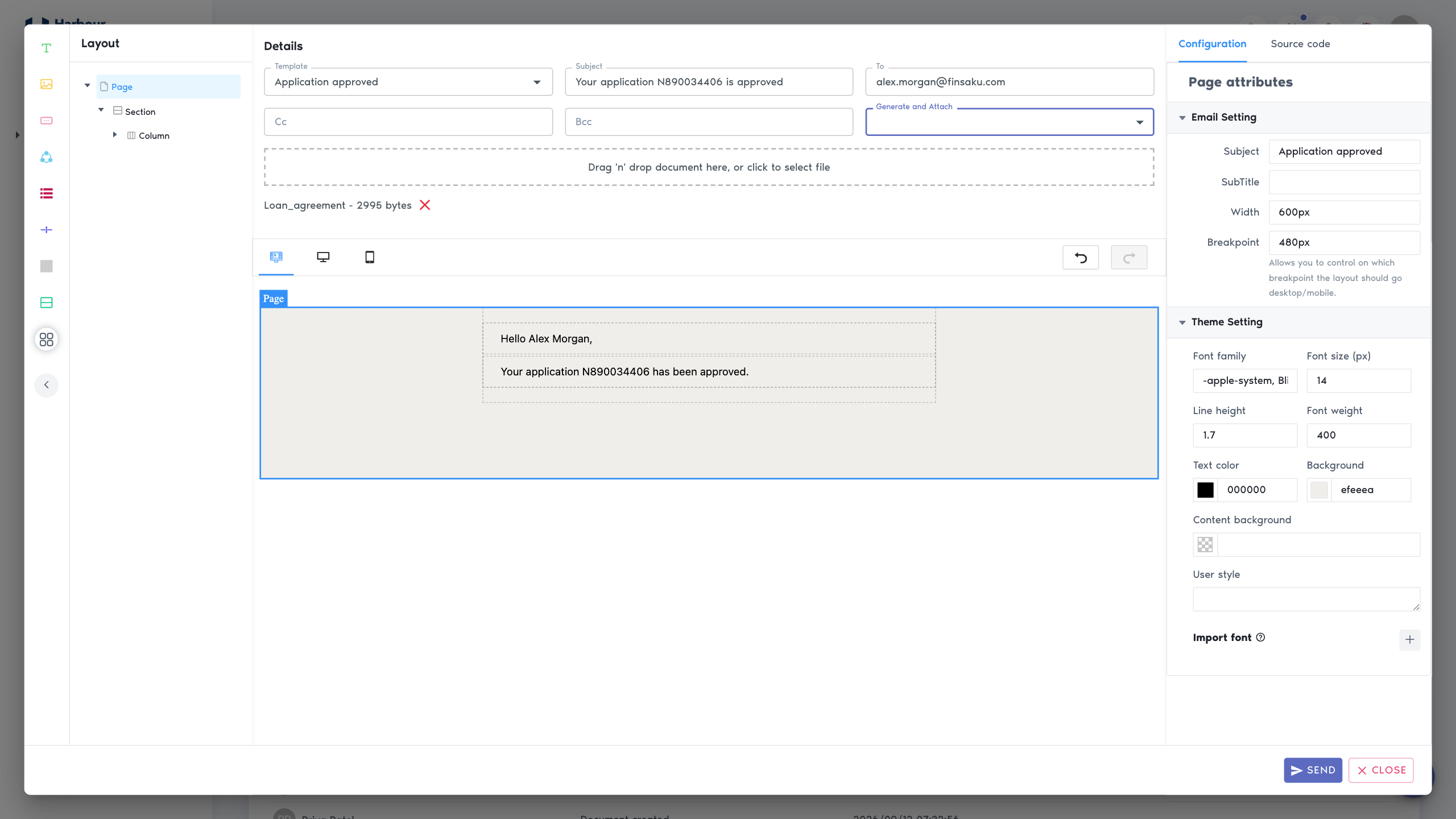
The email form can contain a template, subject, To, CC, BCC, generated document attachments, uploaded files, provider, and message editor. The borrower email may be filled automatically, but it must still be checked.
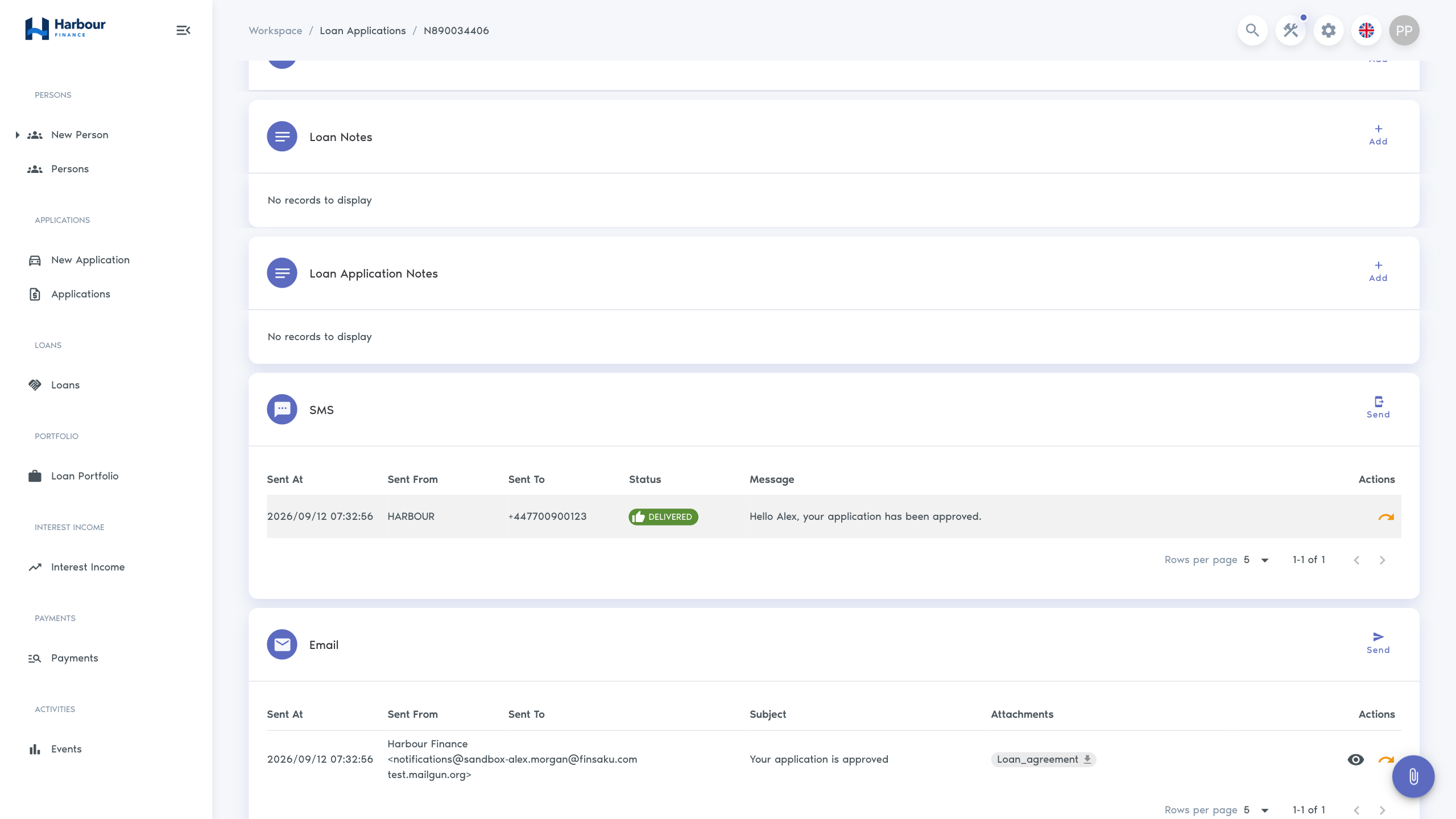
A template can fill the subject and body and can request one or more generated documents. Review resolved names, amounts, dates, and attachments before sending. Sent-email history allows users with permission to inspect attachments and resend a message; confirm why a resend is needed to avoid duplicate communication.
Send an SMS
Choose an SMS template when available, verify the recipient and provider, and review the message. The editor shows a 160-character guide; resolved dynamic values can make the final message longer. Do not include sensitive financial or identity information unless your approved communication policy allows it.
Credit reports
Where a credit-bureau integration is enabled, an application can prepare and download a report for the borrower. Verify the correct borrower and legal basis before requesting it. A report request can use an external paid service and can take time to complete.
The completed information is stored as a dated enrichment. Follow Credit reports and enrichments to review earlier results, request KIB information without losing unsaved application changes, and interpret missing or failed provider data.
If generation or sending fails
Check that the record contains the data required by the template, an enabled provider is selected, the recipient is valid, and required attachments were generated. Administrators can then review the integration and event-action history. Do not repeatedly send or generate until you know whether the earlier attempt completed.