Application review and processing
Processing actions record the formal progress of an application. The buttons shown depend on the current status, your permissions, the product, and configured decisions.
- For
- Application reviewers, approvers, and authorised lending users.
- Requires
- Access to the application and permission for the processing operation shown at its current status.
- Available when
- The product, application status, required data, and configured decisions permit the action.
- Before you begin
- Review the borrower, terms, calculation, required product information, documents, enrichments, and earlier decisions.
- Expected result
- The application records the selected status transition and history; only Lend creates the loan.
Typical state transitions
The configured process can skip Ready or add other states. The buttons shown on a particular application remain the authority for the permitted next action.
Available actions
| Action | User meaning |
|---|---|
| Save | Store current changes without completing a decision step. |
| Submit | Send the application to its next configured review state. |
| Approve | Confirm that it may proceed toward lending. |
| Reject | Stop the current request from proceeding. |
| Reinstate | Return a rejected application to processing when permitted. |
| Inquire | Record or request further investigation when configured. |
| Clarify | Mark that more information is required when configured. |
| Expire | Mark that the application is no longer valid. |
| Delete | Remove it from active processing when permitted. |
| Lend | Create the loan from the approved application. |
An action can also trigger a configured decision, notification, document, external call, or enrichment. Wait for the action to complete and review the resulting status before repeating it.
Review before approval
Use the application's configured sections, notes, documents, enrichment results, and history to complete the required review. At minimum, check:
- the borrower's identity and current contact details;
- the product, amount, currency, dates, term, rate, and commission treatment;
- the calculated summary and schedule;
- mandatory supporting information and documents;
- existing labels, decision results, and requests for clarification;
- the assigned user and any unresolved notes or failed automated actions.
Lend the application
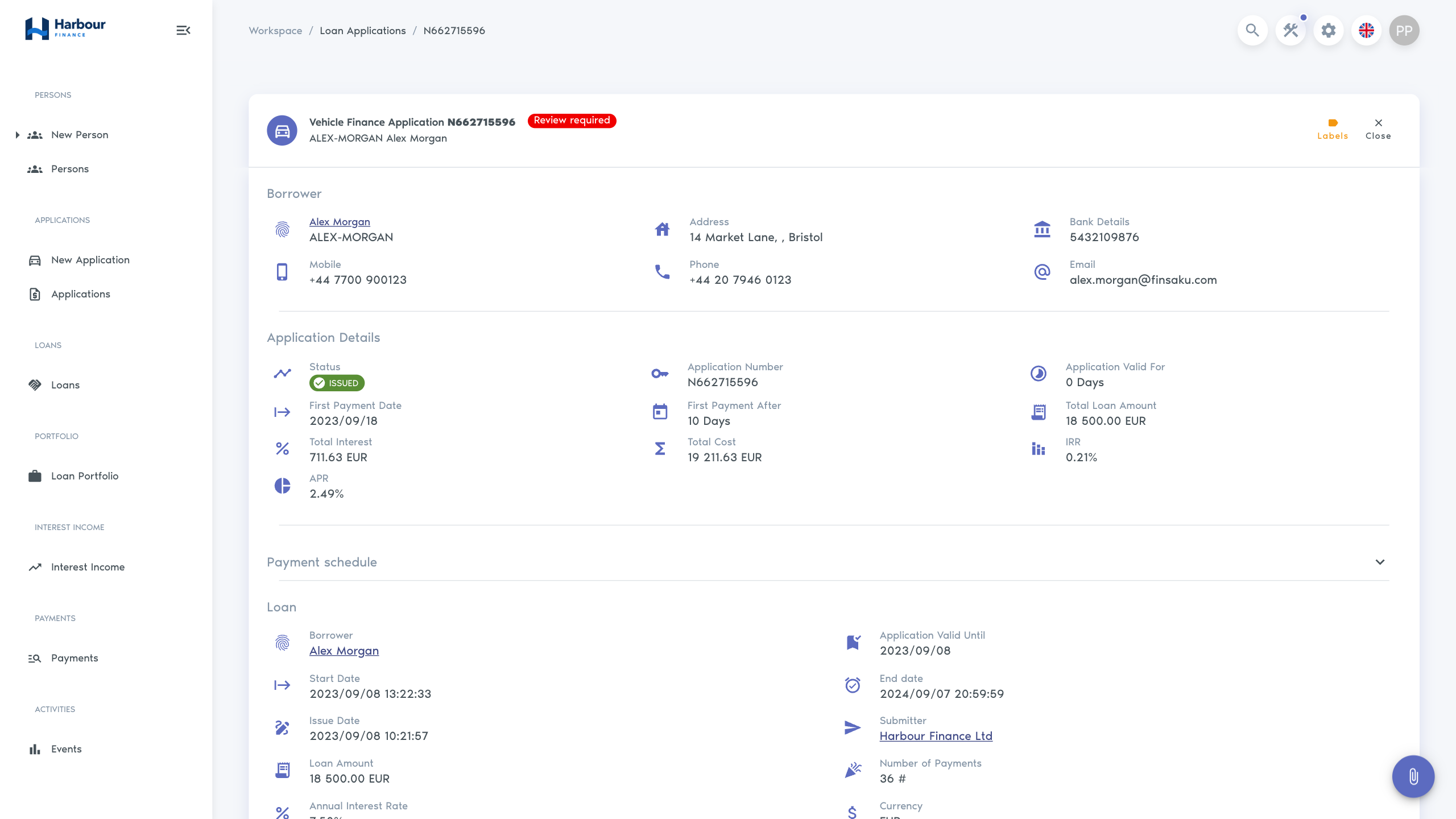
Select Lend only after the approval and terms are final. Lend creates the loan and links it to the issued application. Confirm that a loan number and loan record appear before trying again; repeated attempts after an uncertain response should first be checked in the application history and Loans list.
Applications can also send email or SMS messages and generate documents when providers and templates are configured. See Documents and messages.